# Analytics

Screendesk will automatically tag conversations in the following cases:

<table><thead><tr><th width="365">Tag</th><th>Case</th><th data-hidden></th></tr></thead><tbody><tr><td>screendesk-recording-requested</td><td>When am agent request a recording</td><td></td></tr><tr><td>screendesk-recording-sent</td><td>When an agent send a recording.</td><td></td></tr><tr><td>screendesk-recording-received</td><td>When a recording is received.</td><td></td></tr><tr><td>screendesk-recording-received-messenger</td><td>When a recording is received in the messenger</td><td></td></tr><tr><td>screendesk-recording-received-operator</td><td>When a recording is received in the operator</td><td></td></tr></tbody></table>

## Enable Intercom tagging

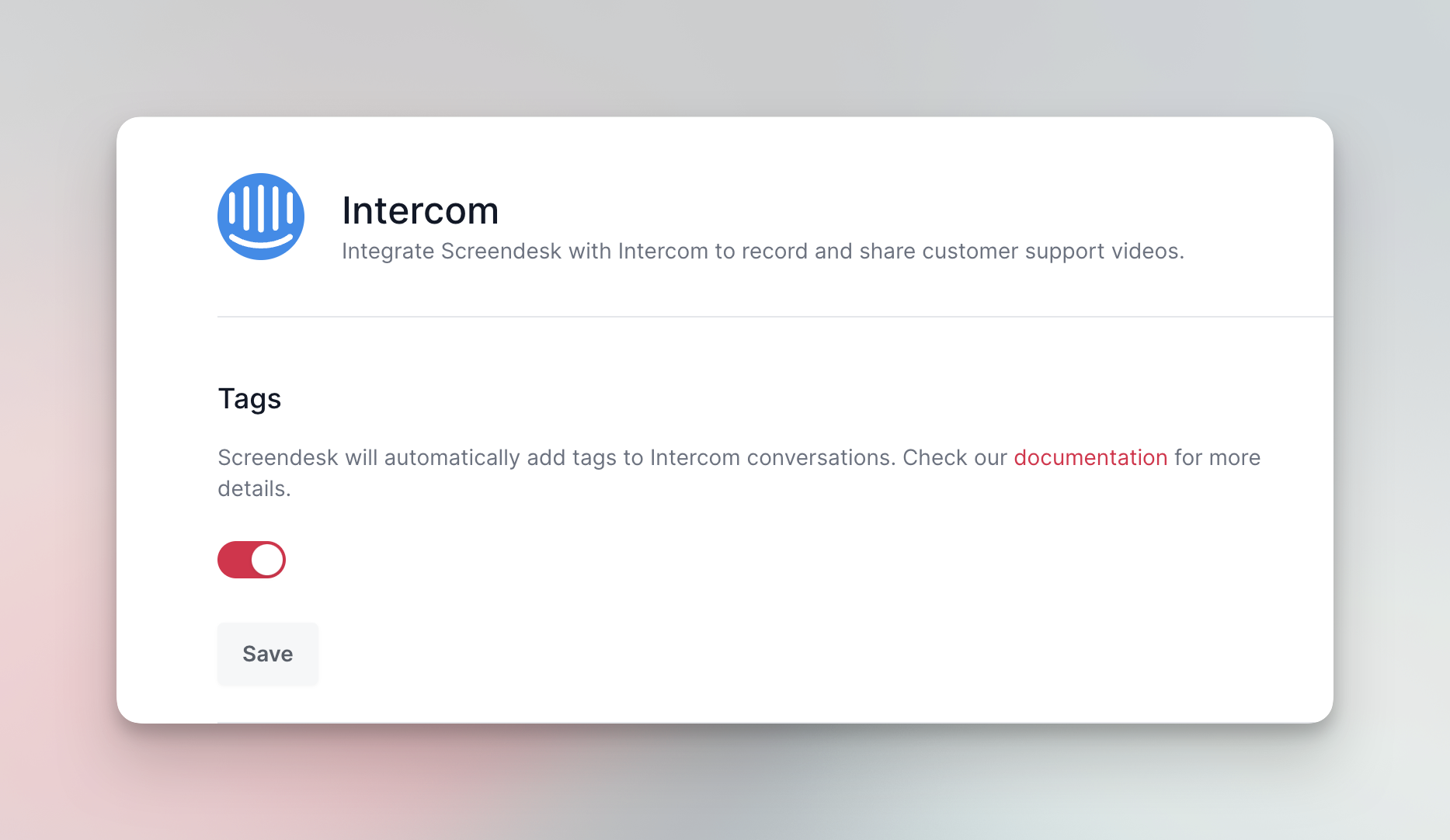
To enable intercom tagging navigate to account settings -> integrations -> configure intercom and then enable tags.

<figure><img src="https://3820804400-files.gitbook.io/~/files/v0/b/gitbook-x-prod.appspot.com/o/spaces%2FfW6XSzJSKsNyZnOkSJPt%2Fuploads%2FDviDdZ5rcB3ak362lxLJ%2Fintercom_tags.png?alt=media&#x26;token=72d8815c-35f4-4066-9bf7-23fcccdd18a7" alt=""><figcaption></figcaption></figure>
